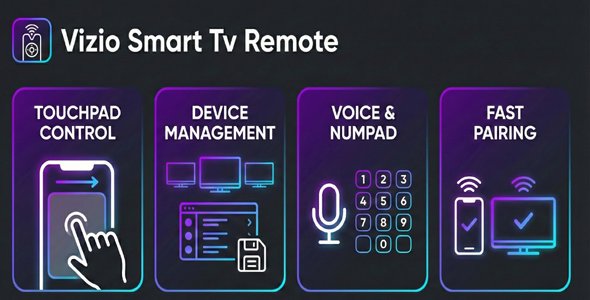
Device Discovery: Automatically discover Vizio TVs on your local network using SSDP
Manual Connection: Connect to TVs by entering their IP address manually
Multiple Device Management: Save and manage multiple TVs
Last Connected TV: Automatically reconnect to the last used TV
Dark Mode: Beautiful dark theme optimized for low-light usage
Control Modes:
Touchpad: Swipe to navigate, tap to select
D-Pad: Traditional directional buttons
Numpad: Channel number input
Full Remote Control:
Power on/off
Volume up/down/mute
Channel up/down
Navigation (up, down, left, right, OK)
Back, Home, Menu
Media controls (play, pause, rewind, fast-forward)
Input switching
Haptic Feedback: Configurable vibration intensity
Keep Screen On: Prevents screen timeout while using the remote
Requirements
-Android 7.0 (API 24) or higher
-Vizio SmartCast TV (2016+ models)
-TV and phone must be on the same local network