
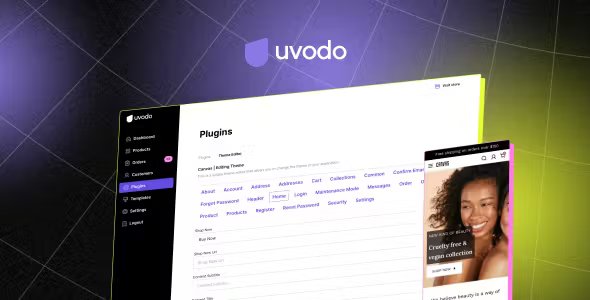
Once you downloaded this item, on the admin panel, navigate to the Plugins;
Click on the ”+ Add plugin” button;
Then, drop the downloaded Theme editor .zip plugin, or click to browse it, and click “Install plugin” button;
After the successful installation, go to the plugins page, and click on the three dots to activate the Theme editor plugin.