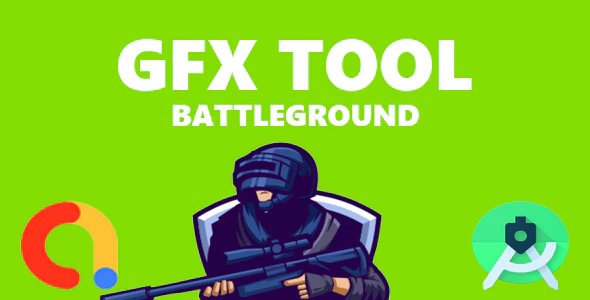
GFX Tool Pro For PUBG – All Version.
You can customize the shadows, texture quality, screen resolution, unlock the FPS limit, and much more.
If your game has HD & HDR graphics options, then you can go to the resolution option of this GFX Tool Application and set it either on 1920×1080 or 2560×1440.
Ranging from mid-range to flagship phones You can use this tool to optimize and improve Bugs, graphics for a better experience.
Features:- 1080 Resolution: Change the resolution of the game HDR Game Graphic: Unlock the HDR graphics on low-end devices Extreme FPS: Unlock the Extreme FPS level Graphic Profile: Now choose a graphic according to RAM size Hardware-Accelerated Rendering: Enable support for VULKAN and OPENGL 3.1+ GPU Optimization: Custom OpenGL shaders
Light Effects: Enable/disable light effects in-game Style: Change graphics style setting Shadow: Enable and disable shadow 4xMSAA: Enable and disable Anti Aliasing Color Rendering Level: Enable 32 Bit / 64 Bit colors Zero Lag Mode + Battery Efficient: Optimized game configuration Smart widget: One touch to launch the game without opening PUB Gfx+ app again and again Unlock HDR graphics on low-end devices Unlock the extreme FPS levels Enable or disable Anti-aliasing or make it even better by X2, X4Anisotropy Level: Select the Anisotropic filtering(AF) level Graphics Rendering Level: Enhance the quality of graphics Memory Boost: Boost up the game performance Shadow Quality: Select the shadow quality Shadow Resolution(Pixel): Change the size of the shadow pixel MSAA Level: Select the MSAA Level Detail Mode: Change the detail of graphics with different profiles.